

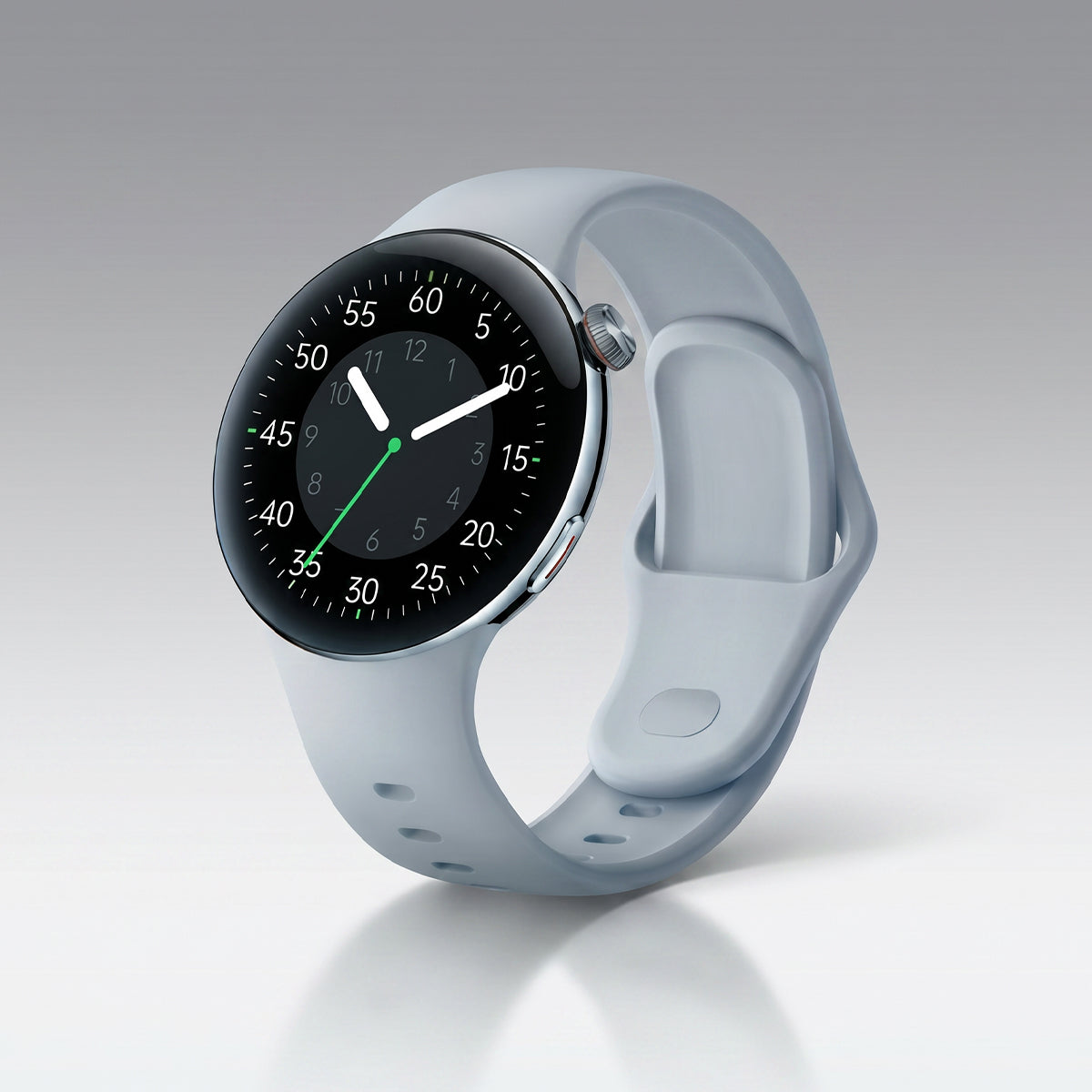
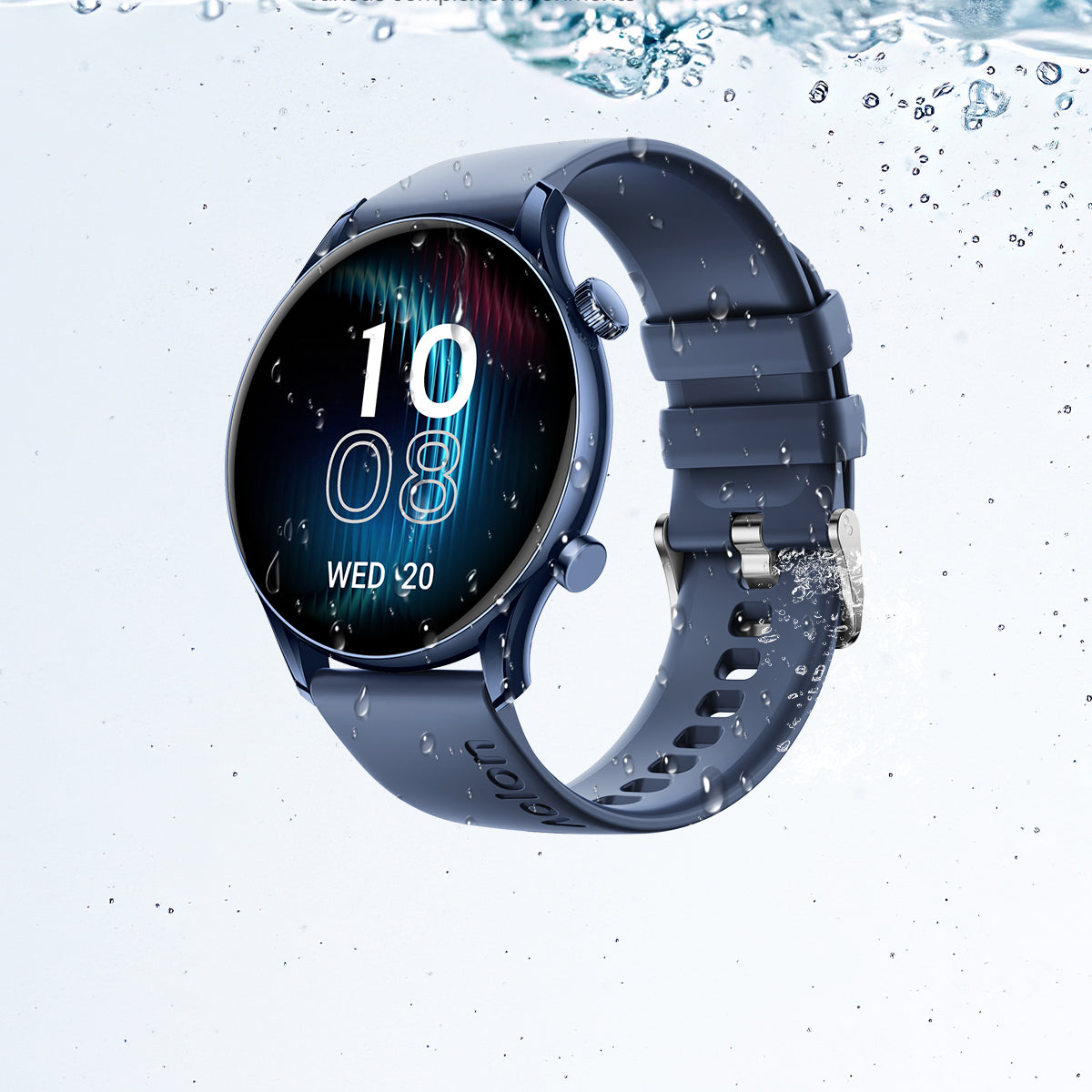
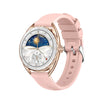
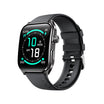
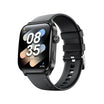
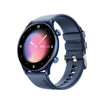
Getting a new smartwatch is exciting, but the right setup process can make a big difference in your daily experience.
From charging and pairing to health settings and customization, here are the essential steps to get started.
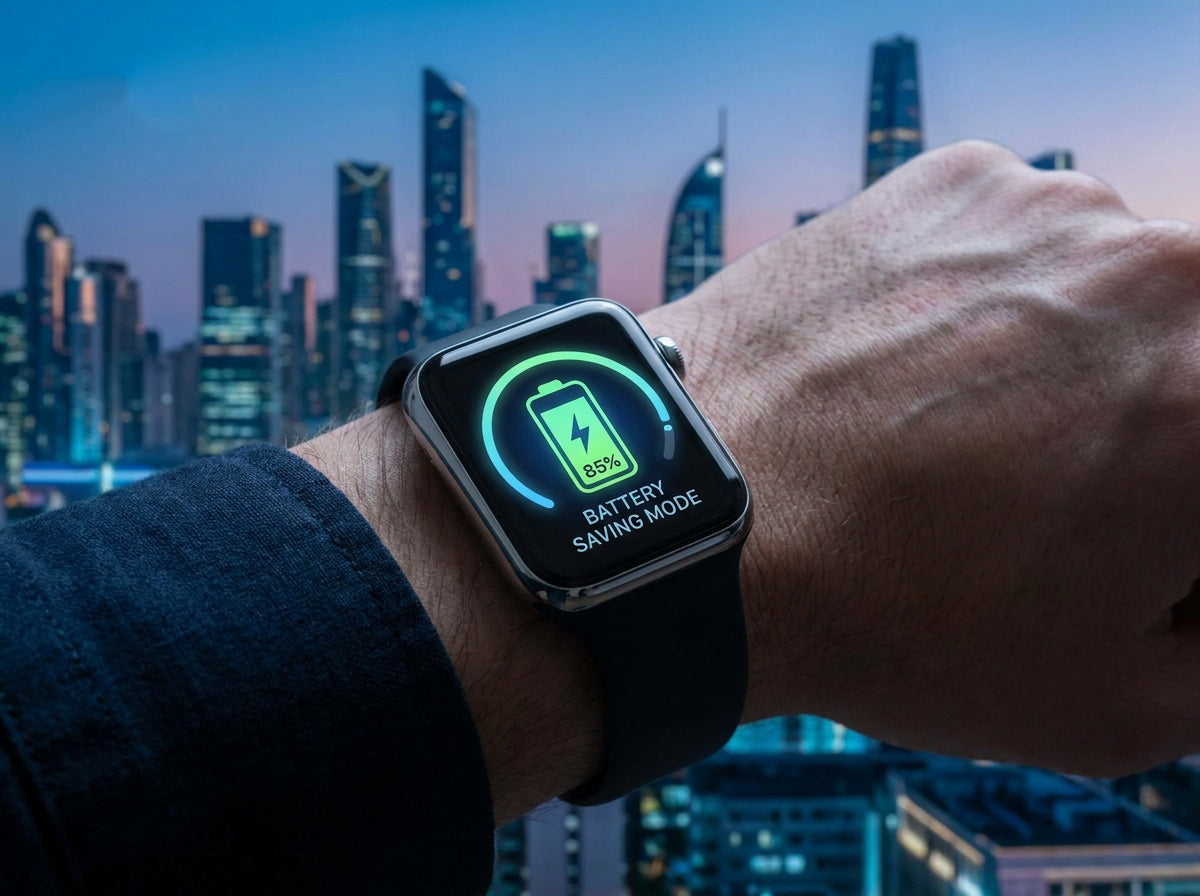
Unbox and Charge First
Before exploring your new smartwatch:
- Charge the device to at least 50%
- Use the original charger when possible
- Allow enough battery for setup, updates, and testing features
A good initial charge helps you complete setup without interruptions.
Download the Companion App
Most smartwatches require an official smartphone app for setup, syncing, and customization.
Install the correct app for your device:
- Apple Watch → Watch app
- Samsung Galaxy Watch → Galaxy Wearable
- Fitbit → Fitbit app
- Garmin → Garmin Connect
- Amazfit → Zepp app
The companion app is usually where you manage:
- Watch faces
- Health data
- Notifications
- Software updates
- Device settings
Pair Your Smartwatch and Phone
Follow the instructions inside the companion app.
Before pairing:
- Turn on Bluetooth
- Keep your phone close to the watch
- Confirm pairing requests on both devices
Once connected, your smartwatch can sync data and receive notifications.
Configure Essential Settings
Before daily use, check these important settings:
1. WiFi Connection
Useful for:
- Faster software updates
- App downloads
- Cloud syncing
2. Time and Date
Confirm:
- Correct time zone
- Automatic time updates
- Preferred time format (12/24 hour)
3. Units
Choose your preferred measurement system:
- Metric (km, kg, °C)
- Imperial (miles, lbs, °F)
4. Notification Permissions
Select which alerts appear on your wrist:
- Calls
- Messages
- Calendar reminders
- Important apps only
Set Up Your Health Profile
For more accurate tracking, complete your personal information:
- Age and birth date
- Height and weight
- Activity level
- Heart rate zones
This helps improve calculations for:
- Calories burned
- Exercise intensity
- Health insights
Customize Your Watch Face
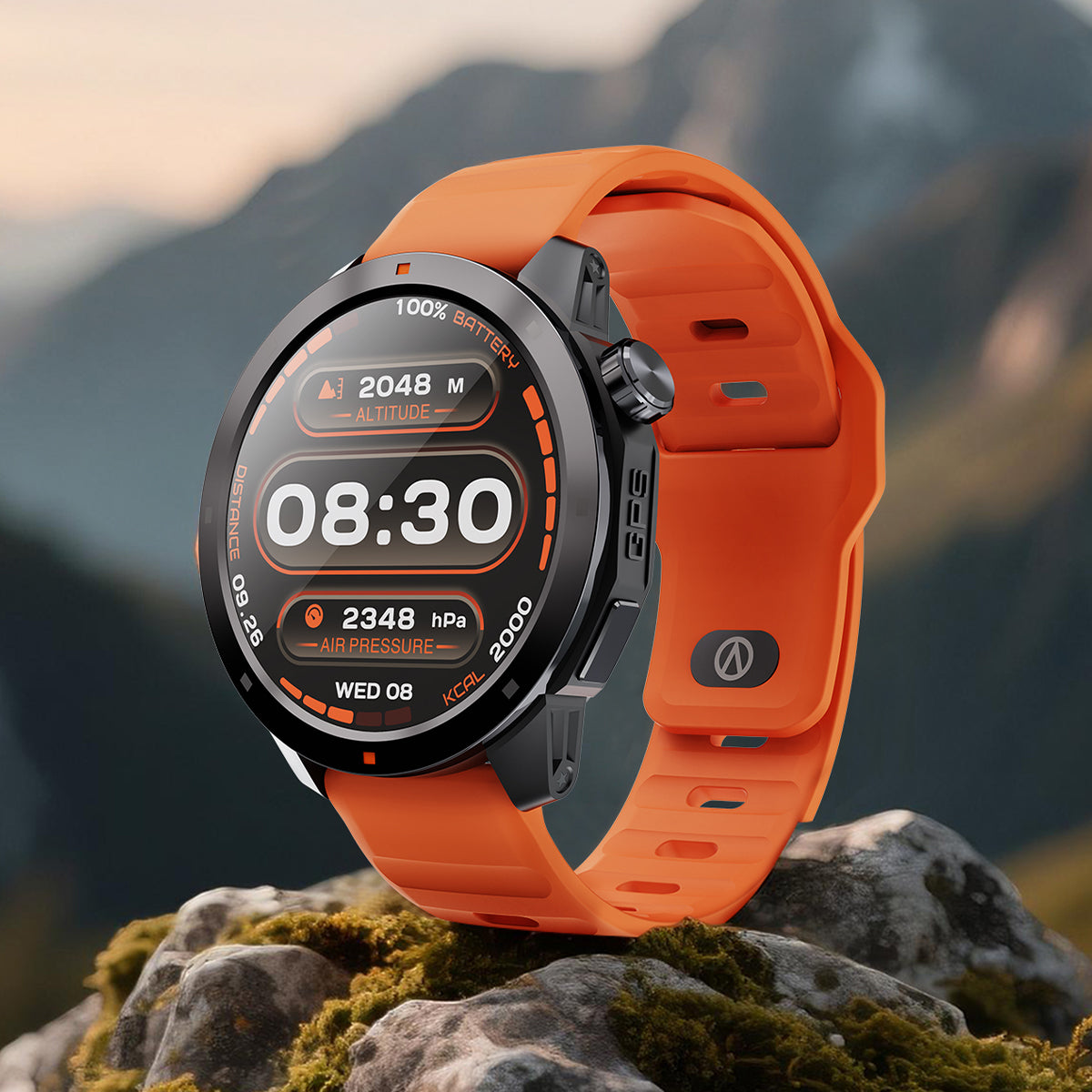
Your watch face is what you see most often, so choose one that fits your lifestyle.
Useful information to include:
- Time
- Date
- Activity progress
- Battery percentage
- Weather
- Heart rate
Enable Important Features
Depending on your smartwatch model, consider enabling:
Find My Device
Helps locate your watch if misplaced.
Emergency SOS
Allows quick access to emergency contacts or services.
Fall Detection
Available on some models and useful for safety monitoring.
Contactless Payments
If supported:
- Add your payment cards
- Set up security verification
- Test payment before regular use
Sync Essential Apps
Connect only the apps you actually use:
- Fitness platforms
- Music services
- Calendar
- Notification sources
Avoid enabling everything at once—too many notifications can quickly become distracting.
Final Tips
Start simple.
Wear your smartwatch regularly, explore features gradually, and adjust settings based on your daily habits.
The best smartwatch isn’t the one with the most features—it’s the one you’ll actually enjoy wearing every day.


コメントを書く
このサイトはhCaptchaによって保護されており、hCaptchaプライバシーポリシーおよび利用規約が適用されます。